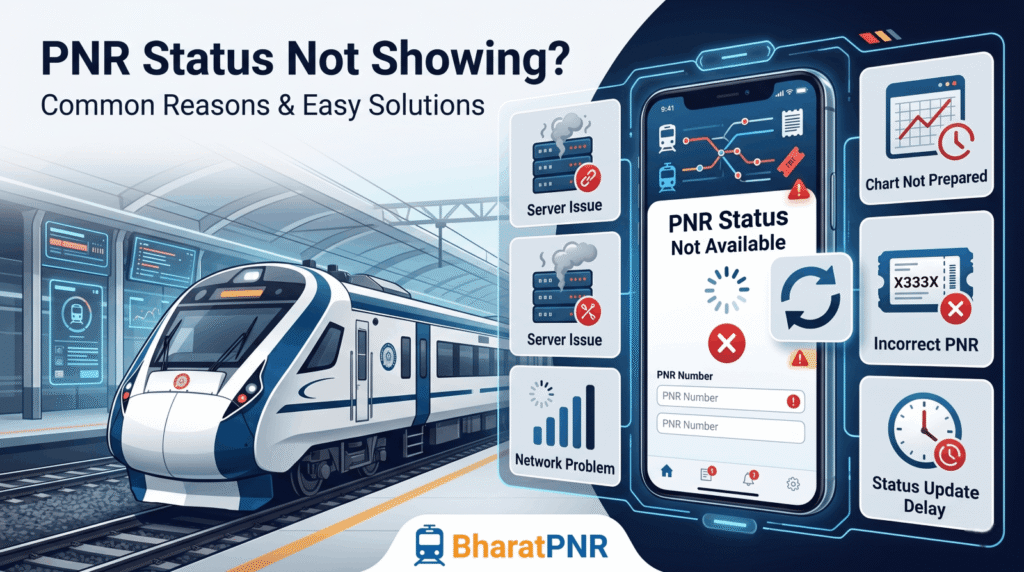
PNR Status Not Showing? Reasons & Solutions
Trying to check your train ticket status but your PNR is not showing? Don’t worry — this is a common issue faced by many railway passengers in India. Sometimes the PNR status shows “Not Found”, “Invalid PNR”, or simply doesn’t load properly.
In most cases, the issue is temporary and can be solved easily. In this guide, we’ll explain why your PNR status is not showing, possible reasons behind it, and how you can fix the problem quickly.
What Is a PNR Number?
PNR stands for Passenger Name Record. It is a unique 10-digit number generated after successful railway ticket booking.
Your PNR number contains important travel details such as:
- Passenger details
- Train number and name
- Date of journey
- Boarding station
- Destination station
- Seat and coach details
- Booking status
You can use the PNR number to check whether your ticket is confirmed, RAC, or waitlisted.
Common Reasons Why PNR Status Is Not Showing
1. Booking Is Still Processing
Sometimes after payment, the booking takes time to process completely. During this time, your PNR number may not appear immediately.
This usually happens during:
- Tatkal booking hours
- Heavy server traffic
- Slow internet connection
- IRCTC server delays
Usually, the PNR gets generated within 15 to 30 minutes.
2. Payment Failed But Money Deducted
In some cases, payment gets deducted from your bank account but the booking fails due to technical issues.
In this situation:
- No PNR number is generated
- Ticket is not booked
- Refund is processed automatically
Always check your booking history before assuming your ticket is confirmed.
3. Wrong PNR Number Entered
One small typing mistake can cause the system to show “PNR Not Found”.
Make sure:
- You entered all 10 digits correctly
- No extra spaces are added
- You are using the latest PNR number
4. IRCTC Server Issues
IRCTC servers may become slow during peak booking hours. Because of this:
- PNR status may not load
- Website may crash temporarily
- Apps may stop responding
Usually, this problem gets fixed automatically after some time.
5. Ticket Was Cancelled
If your ticket was cancelled manually or automatically, your PNR status may stop showing active booking details.
This may happen when:
- You cancelled the ticket
- Waitlisted ticket got automatically cancelled
- Train was cancelled
- Booking failed after chart preparation
6. Chart Preparation Pending
Sometimes seat and coach details are updated only after chart preparation.
Railway charts are usually prepared:
- 4 hours before train departure
- Earlier for morning trains
Before chart preparation, some booking details may not appear fully.
7. Third-Party App Problem
Sometimes the issue is with the app or website you are using instead of IRCTC.
Platforms like:
- Paytm
- Ixigo
- ConfirmTkt
- RailYatri
may temporarily fail to fetch railway data properly.
Try checking your PNR on another trusted platform.
How To Recover Your PNR Number
Check Your SMS
IRCTC usually sends an SMS after successful booking. Search your inbox for messages containing:
- PNR
- IRCTC
- Train booking
Your PNR number will be mentioned there.
Check Email Confirmation
If you booked online, you should also receive a confirmation email containing booking details and PNR number.
Login To IRCTC Account
You can view all booked tickets inside your IRCTC account.
Steps:
- Open IRCTC website or app
- Login to your account
- Go to “Booked Ticket History”
- Select your journey
Your PNR number will be visible there.
Check Booking App
If you booked through Paytm, ConfirmTkt, Ixigo, or another app, open the “My Bookings” section to find your PNR number.
How To Fix PNR Status Not Showing
1. Wait For Some Time
If you recently booked the ticket, wait for at least 15–30 minutes before checking again.
2. Verify The PNR Number
Double-check all digits carefully before searching.
3. Refresh The Page
Sometimes a simple refresh solves temporary loading issues.
4. Use Another Browser Or Device
Try another mobile phone, browser, or internet connection.
5. Try Another PNR Checking Platform
If one website is not working, check on another trusted platform.
6. Contact Customer Support
If your payment was deducted but ticket was not generated, contact:
- IRCTC customer care
- Your bank support
- The platform where you booked your ticket
What Does “PNR Not Found” Mean?
The message “PNR Not Found” usually means:
- Wrong PNR number entered
- Booking not completed
- Old or expired PNR
- Railway server issue
If your journey date has already passed, your old PNR may no longer appear in railway databases.
Can PNR Number Expire?
Yes. After your journey is completed, railway systems eventually remove old PNR data.
This is normal and happens automatically.
Important Things To Remember
- PNR number always contains 10 digits
- PNR is generated only after successful booking
- Server delays are common during Tatkal booking hours
- Save your booking SMS and email safely
- Use trusted websites for checking PNR status
Conclusion
If your PNR status is not showing, there is usually no need to panic. Most problems happen because of temporary server delays, incorrect PNR entry, or booking processing time.
Double-check your booking details, verify your PNR number, and try again after some time.
For instant train booking updates, use PNR Status Check.
FAQs
Q: Why is my PNR status not updating?
A: This may happen because of server delays or pending chart preparation.
Q: How long does it take for PNR to generate?
A: Usually within 15–30 minutes after successful payment.
Q: Can I travel without PNR?
A: No. A valid PNR number is required for railway travel.
Q: Why does my PNR show invalid?
A: You may have entered the wrong number or the booking may not exist.
Q: Can booking fail after payment?
A: Yes. Sometimes payment succeeds but ticket booking fails because of technical issues.